Blur (Gaussian)
Context:
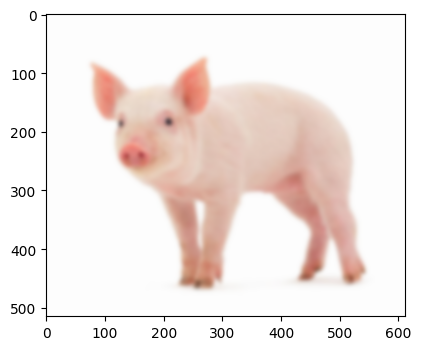
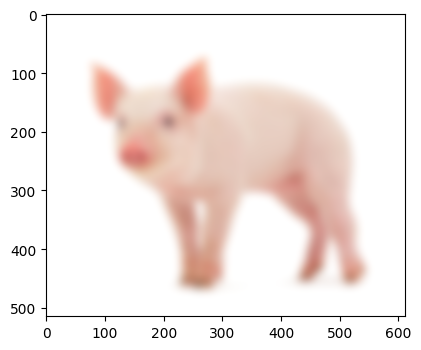
Sometimes an image may have too much noise as a result of underexposure or through pixelation. Applying a Gaussian blur can help reduce some of this noise.
Arguments:
- Requires:
a path to your image.
An odd number- where the higher the value, the more blur
Code:
import cv2
from LivestockCV import core as LivestockCV_core

img = cv2.imread('/content/drive/MyDrive/pig.jpg')
LivestockCV_core.plot_image(img)


gaussian_blur_21 = LivestockCV_core.gaussian_blur(img, (21,21))
LivestockCV_core.plot_image(gaussian_blur_21)

gaussian_blur_51 = LivestockCV_core.gaussian_blur(img, (51,51))
LivestockCV_core.plot_image(gaussian_blur_51)